Sprint video analysis: how to film and analyse your sprint technique
Good analysis starts with a usable video. Here is how to film a sprint on your phone, and what to look for, phase by phase, once you have it.
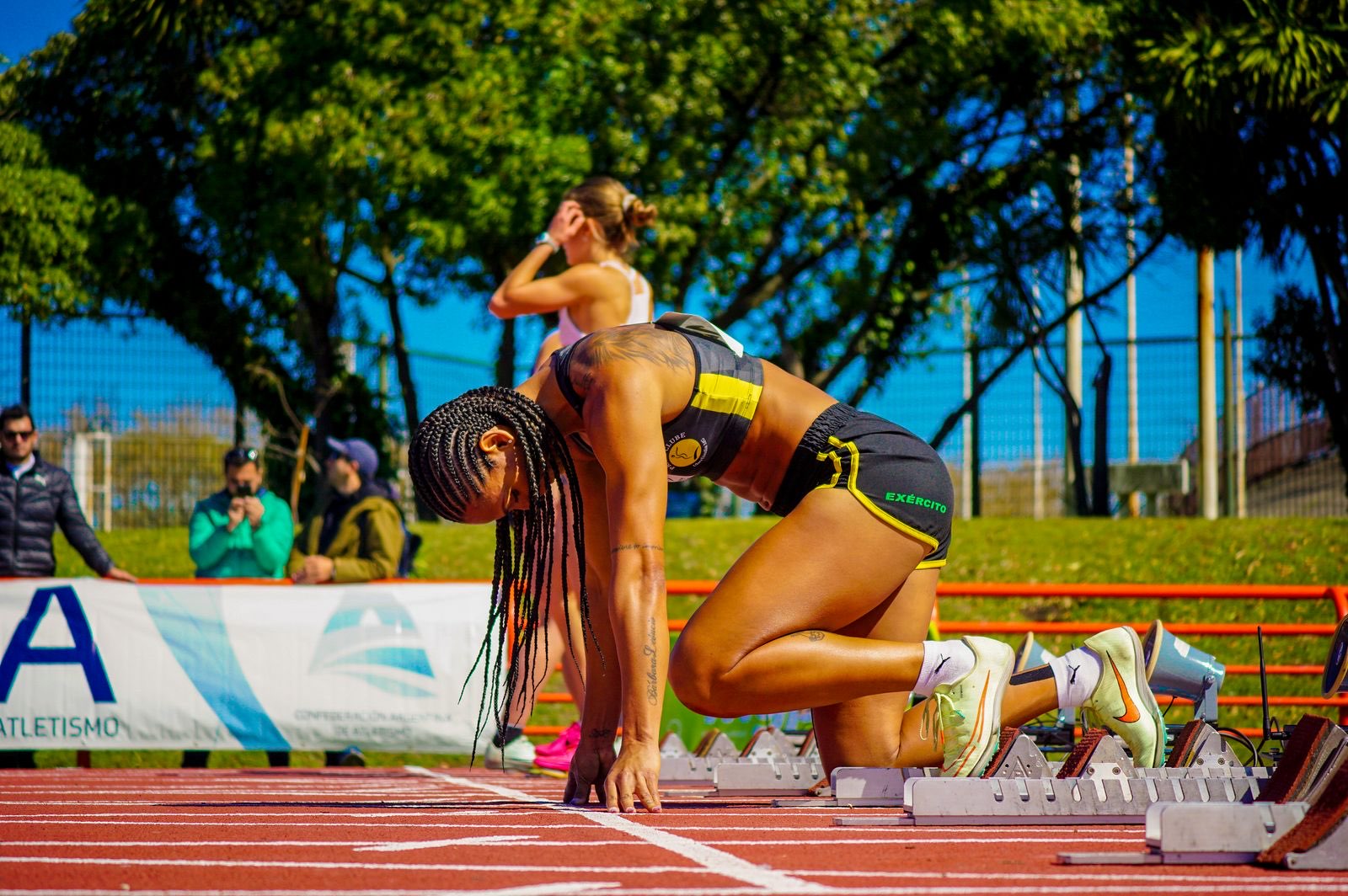
The most common reason video analysis goes wrong isn’t the analysis. It is the video. A run filmed from too far away, with the feet cut off, or around the bend, can’t tell you much however good the software is. The good news is that getting it right takes no special equipment.
What you need
- An iPhone.
- Someone to film, or a place to rest the phone.
- A straight section of track.
A tripod is optional: you can hold the phone and follow the run.
Choose your angle
Side-on: the most complete
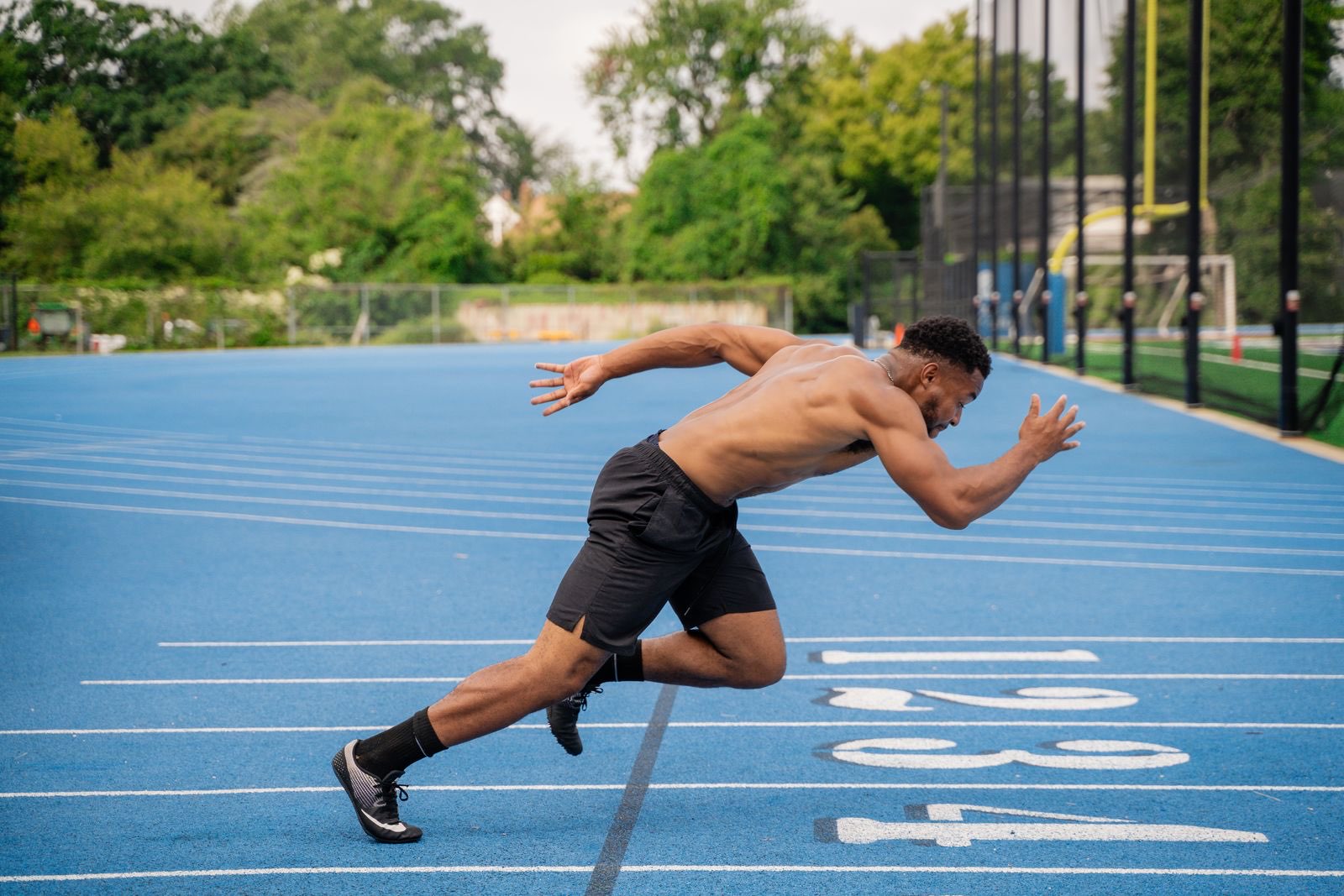
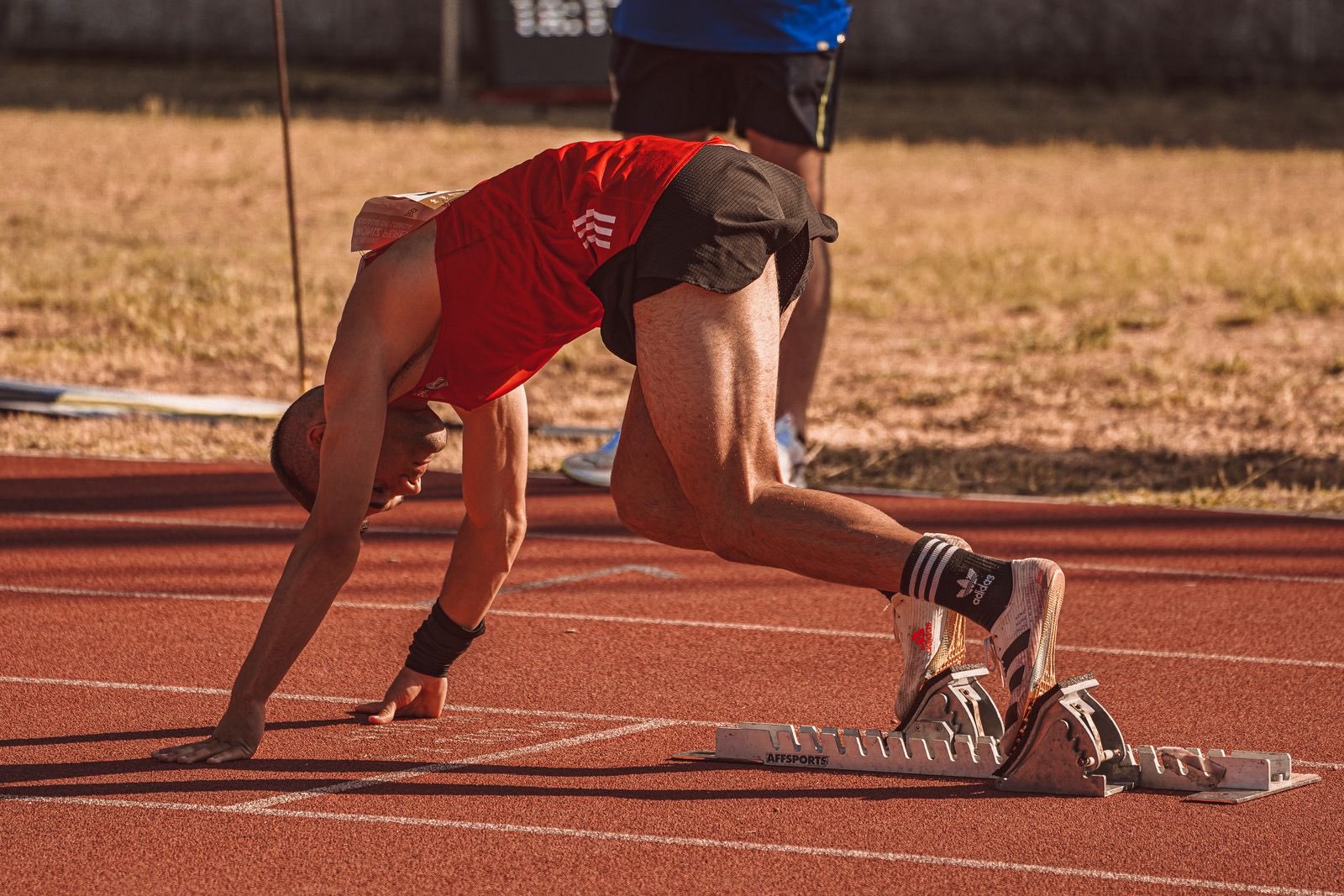
Stand to the side of the lane, level with the part of the run you care about most, and film at roughly hip height. From the side, every joint angle is visible: the set position, torso lean, shin and knee angle at touchdown, thigh lift, heel recovery and arm swing. If you only film one way, film this way.
Following the run: more steps in shot
Hold the phone and turn with the athlete as they run past. You get more of the run in shot than from a fixed spot, and the athlete stays a good size on screen. SprintVision keeps tracking as the camera turns, so step lengths and timings still work.
From behind: when side-on isn’t possible
From behind the blocks you can still see every step and its timing. Some angles, like the bend of the swing knee, fold towards the camera from this view and can’t be measured, so treat this as a backup.
Six rules for a usable video
- Film on the straight. On the bend the athlete turns towards and away from the camera, which distorts angles and step lengths.
- Keep the whole athlete in shot, head to feet, for the whole run. If the feet leave the frame, so do the touchdowns.
- Hold the phone level. A tilted phone makes an athlete look more or less upright than they are, and can add a few degrees to torso lean.
- Don’t film from too far away. The athlete should fill a good part of the screen. A tiny figure in a wide shot loses detail at the joints.
- One athlete at a time. Keep other people out of the shot, especially close to the athlete. Running in pairs is fine for training, but film the rep where they are on their own.
- Film at normal speed. Use the normal video mode. Real-time video keeps every step timed accurately.
What to film
| Rep | Where to stand | What you’ll see |
|---|---|---|
| Block start | Side-on, a few metres back from the blocks, slightly ahead of them | Set position, first steps, drive phase |
| Acceleration (0–30 m) | Side-on, following the run | Body lean, shin angles, how your steps grow |
| Flying run | Side-on at the middle of the fly zone, following the run | Top-speed mechanics, step rate and length |
Want a split time?
Keep the start and the finish of the section in shot. After the analysis you can mark them on the video in SprintVision and get the time between them.
After you film
Pick the clip from your camera roll and trim it to the run itself, up to 15 seconds. Cutting out the walk back and the chat before the rep makes the analysis faster and keeps the focus on the steps that matter.
Then compare like with like. If you change the angle, distance or phone height between sessions, small differences in the numbers may come from the camera, not from you. Film the same way each time and real changes stand out.
What to look for when you analyse a sprint
Watching a whole run at once is overwhelming. Go through it one phase at a time and compare what you see with what good sprinters do:
| Phase | Check | Good looks like |
|---|---|---|
| Set position | Front and rear knee, hips vs shoulders | Front knee near a right angle, rear knee more open (~120–135°), hips just above the shoulders |
| First four steps | Body angle, shin angle at touchdown | Trunk ~35–50° from vertical in a straight line; positive shin angles (~40–55° to the ground) |
| Top speed | Posture, foot strike, knee at touchdown | Tall posture, foot striking under the centre of mass, knee ~150° and stiff at touchdown |
| Whole run | Step rate and length | ~4.6 steps/s at top speed; steps growing through acceleration |
Pick one thing to change, train it, and film again. For a structured top-speed checklist used by physios and coaches, see the Sprint Mechanics Assessment Score.
Common filming mistakes
| Mistake | What it does |
|---|---|
| Feet cut off at the bottom of the frame | Touchdowns can’t be seen, so steps can’t be timed |
| Filming from the stands | Athlete too small; angles look flatter from above |
| Another athlete in the next lane | Tracking can jump to the wrong person |
Analyse it automatically with SprintVision
Once you have a clean clip, SprintVision tracks the whole body, marks every footprint, measures each step’s length, contact, flight and speed, and rates your positions against targets from sprint research. All from one video.
Choosing an app? See what the best sprint analysis app should do.
Common questions
How do you analyse sprint technique?
Film the sprint side-on with the whole body in shot, then go through it phase by phase: the joint angles in the set position, body lean and shin angle in the first four steps, then posture, where the foot lands and the knee at touchdown at top speed. Compare each against research targets and pick one thing to fix.
What is the best angle to film sprinting?
Side-on, at roughly hip height, with the phone level. From the side you can measure every joint angle: the set position, body lean, shin and knee at touchdown, thigh lift and heel recovery. Following the run and filming from behind still let SprintVision track every step, but some angles can only be measured from the side.
Is there an app for sprint video analysis?
Yes. SprintVision for iPhone analyses a normal-speed video of a sprint: it tracks the whole body, measures every step's length, contact, flight and speed, and rates the set position, drive phase and top-speed positions against targets from sprint research.
Do I need a tripod to film a sprint?
No. You can hold the phone and turn to follow the run. SprintVision keeps tracking the athlete as the camera moves. If you do use a tripod, place it side-on and far enough back to keep the athlete head to feet for the steps you care about.
Can I film sprints on a bend?
Film on the straight. On a bend the athlete is running towards or away from the camera at a changing angle, which distorts the joint angles and step lengths.
See your own numbers.
Film one rep on your iPhone. SprintVision measures every step and rates your positions against these targets, with a cue for anything outside the range.
 Free trial
iPhone